Apps
What Apps Do I Need for a Shenzhen Day Trip?
A Shenzhen day trip app checklist for Alipay or WeChat Pay, AMap, DiDi, translation, MTR or 12306, Meituan, and offline Chinese place names.
Quick Answer
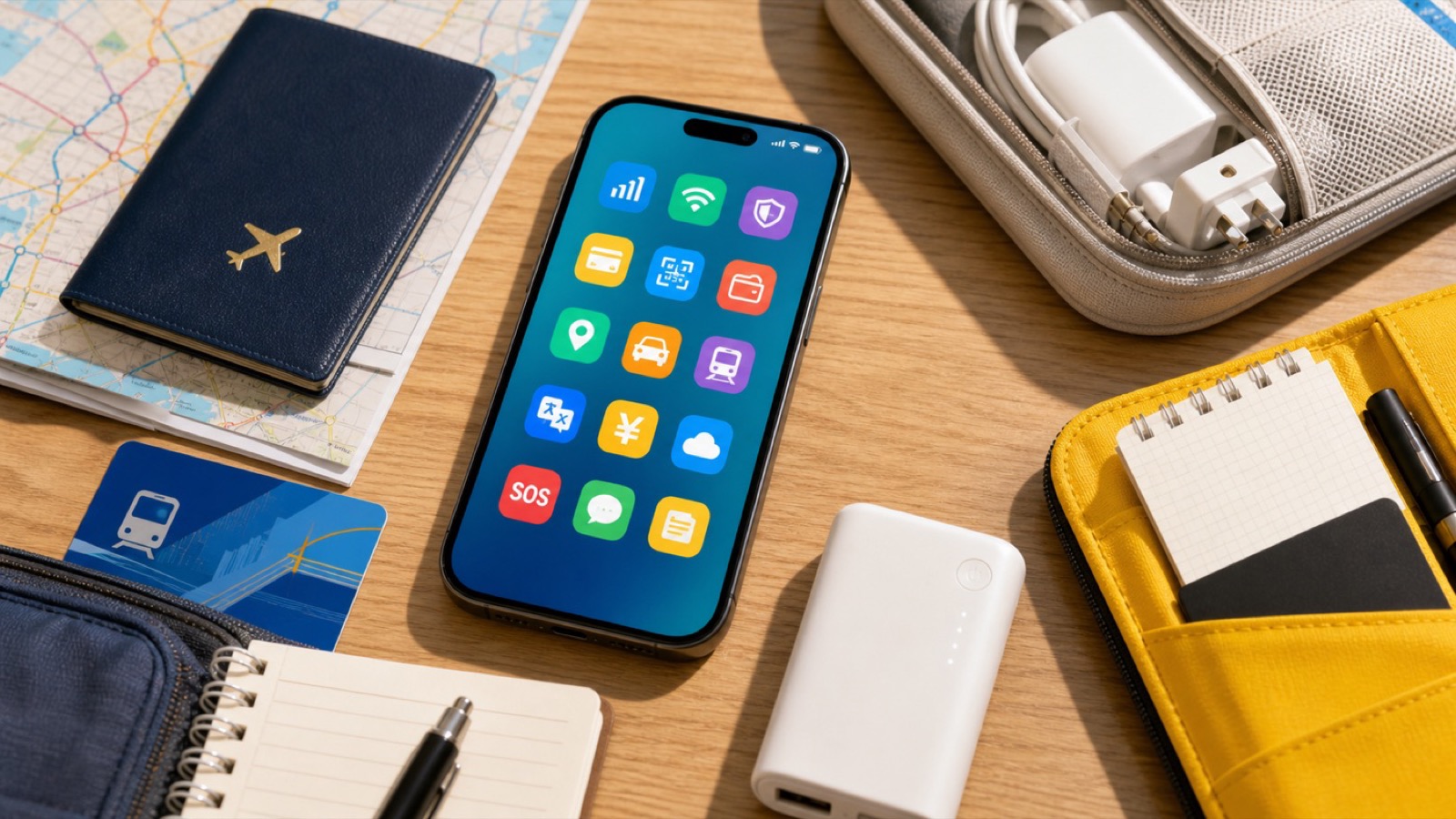
For a Shenzhen day trip, set up a small tested app stack before crossing the border: Alipay or WeChat Pay for payment, AMap or Apple Maps for mainland navigation, DiDi for ride-hailing backup, a translation app with offline Chinese, and MTR High Speed Rail or 12306 if you are using trains. Add Meituan only if you want food delivery, drone delivery, or local services, and add Xiaohongshu or Dianping only for discovery after the basics work. Save Chinese names for Futian Railway Station, Huaqiangbei, Shenzhen Bay Park, your hotel, and your return point as offline text and screenshots.
Best Option by Scenario
| Scenario | Best option | Notes |
|---|---|---|
| Hong Kong to Shenzhen by high-speed rail | Use MTR High Speed Rail or 12306 plus AMap, payment, and translation. | The ticket channel and exact station name are part of the app stack. |
| Self-guided high-tech day trip | Add Meituan, DiDi, and possibly PonyPilot or WeChat Mini Programs if you want drone delivery or robotaxi. | Verify those services live on the day. |
| Minimalist traveler | Alipay, AMap or Apple Maps, translation, and offline screenshots are the minimum. | Keep cash, passport, and hotel or station addresses as backup. |
Detailed Guide
The right Shenzhen app stack is small. You need tools that unlock payment, navigation, transport, translation, tickets, and recovery. Everything else is nice only after those basics work.
Install is not enough. For Shenzhen, the useful question is whether the app opens, logs in, pays, navigates, and still helps when data or language gets messy.
The Core Stack
Use Alipay or WeChat Pay for payment. If you can set up both, great, but do not let the second app delay the first working wallet. Keep a backup card and some RMB cash for awkward moments.
Use AMap or Apple Maps for navigation. Save Chinese names as text: Futian Railway Station/福田站, Huaqiangbei/华强北, Shenzhen Bay Park/深圳湾公园, Shenzhen Talent Park/深圳人才公园, and your return station. Google Maps should not be your only plan inside mainland China.
Use DiDi as a ride-hailing backup, especially for late returns, hotel transfers, or a final leg from a park. Still save metro routes because traffic can erase the time advantage.
The Tech-Day Extras
Meituan can matter if your plan includes drone delivery, food delivery, or local-service discovery. It may also be where the app friction appears: phone login, Chinese screens, payment, and location permissions.
PonyPilot or a WeChat Mini Program may matter if you want to attempt robotaxi. Only install or open it if your route has time to experiment. Do not make it essential for reaching a train.
Xiaohongshu and Dianping are useful for discovery, restaurant ideas, and current local photos. They are not first-layer travel tools. Use them after payment, map, ticket, and translation workflows are ready.
Offline Backup
Before crossing from Hong Kong or leaving your hotel, save the boring details: passport number, train ticket, hotel address, front-desk phone number, first stop, return route, and bank-support number. Keep screenshots and copyable Chinese text. A Shenzhen high-tech trip should feel futuristic; your backup plan should feel old-fashioned and reliable.
Step-by-Step Checklist
- 1Test payment before crossing.Alipay or WeChat Pay should open, show your card path, and be ready for QR payments.
- 2Save Chinese place names.Use 福田站, 华强北, 深圳湾公园, 深圳人才公园, and your exact hotel or return station.
- 3Prepare train or border tools.Use MTR High Speed Rail, 12306, or your chosen ticket channel before the day starts.
- 4Keep a translation app offline.Do not rely on live data for every phrase or station question.
Common Mistakes
- Downloading apps but never opening them. Login, bind payment where needed, enable permissions, and check recovery before crossing.
- Saving English names only. Chinese names are more reliable for maps, drivers, station staff, and search.
- Adding too many discovery apps first. Payment, map, rail, ride, and translation come before Xiaohongshu, Dianping, or extra shopping apps.
FAQ
Is Google Maps enough for Shenzhen?
No. Use AMap or Apple Maps for mainland navigation and keep Chinese addresses saved offline.
Do I need both Alipay and WeChat Pay?
Set up at least one well, preferably Alipay first for many visitors, and keep WeChat Pay as a backup where your account supports it.
Do I need Meituan for a Shenzhen day trip?
Not for basic travel. Meituan helps for food delivery, local services, and some drone-delivery attempts, but it is optional unless that is part of your plan.
What should I save offline?
Save passport details, rail ticket, station names in Chinese, hotel address, first stop, return route, emergency contacts, and screenshots of any QR or booking details.
Sources and Update Notes
- Payment service guide for overseas visitors to China Checked June 21, 2026 for official payment options, Alipay and WeChat Pay card-linking context, and cash backup notes.
- DiDi China app listing Checked June 21, 2026 for DiDi English interface, global mobile-number login, bilingual chat, and payment claims.
- MTR High Speed Rail timetable Checked June 21, 2026 for official high-speed rail timetable and short-haul travel planning.
- China Railway 12306 English website Checked June 21, 2026 for official railway ticketing and service-information channel.
- Shenzhen Government Online: Low-altitude logistics Checked June 21, 2026 for drone-delivery context that may require Meituan or local-service app setup.