Connectivity
Can I receive SMS and use iMessage with a China eSIM?
Most China travel eSIMs are data-only. Learn how to keep your home SIM active for SMS and OTP codes, set eSIM as mobile data, and avoid iMessage surprises before travel.
Quick Answer
Usually a China travel eSIM gives you data, not a new SMS-capable phone number. Most travel eSIMs are data-only unless the plan explicitly includes voice and text. You can keep using iMessage, WhatsApp, LINE, KakaoTalk, or Zalo over data after those apps are already registered, but SMS OTP codes still go to the number your bank, airline, wallet, or app has on file. The safest setup is to leave your home SIM active for voice/SMS, turn off home-SIM data roaming, set the China eSIM as cellular data, and test account recovery before departure. iPhone users should also check iMessage Send & Receive settings.
Best Option by Scenario
| Scenario | Best option | Notes |
|---|---|---|
| Bank or account SMS OTP | Keep the home SIM active for voice/SMS while the China eSIM handles mobile data. | Check roaming SMS fees and whether your carrier can receive texts in China. |
| iPhone with iMessage | Use the China eSIM for cellular data, then verify iMessage Send & Receive. | Apple supports separate voice and data lines, but your phone number settings still matter. |
| WhatsApp, LINE, KakaoTalk, or Zalo already registered | Use the apps over eSIM data, but avoid logging out during the trip. | Re-registration may require SMS or a phone call to the original number. |
| Need a Chinese phone number | Plan for a local SIM or another SMS-capable service, not a normal data-only travel eSIM. | Chinese SIM activation usually involves real-name registration and passport handling. |
Detailed Guide
The safest way to think about a China travel eSIM is this: it gives your phone a data line, not necessarily a new phone number. Your existing number is still the one most banks, wallets, airline accounts, Apple ID settings, and messaging apps know.
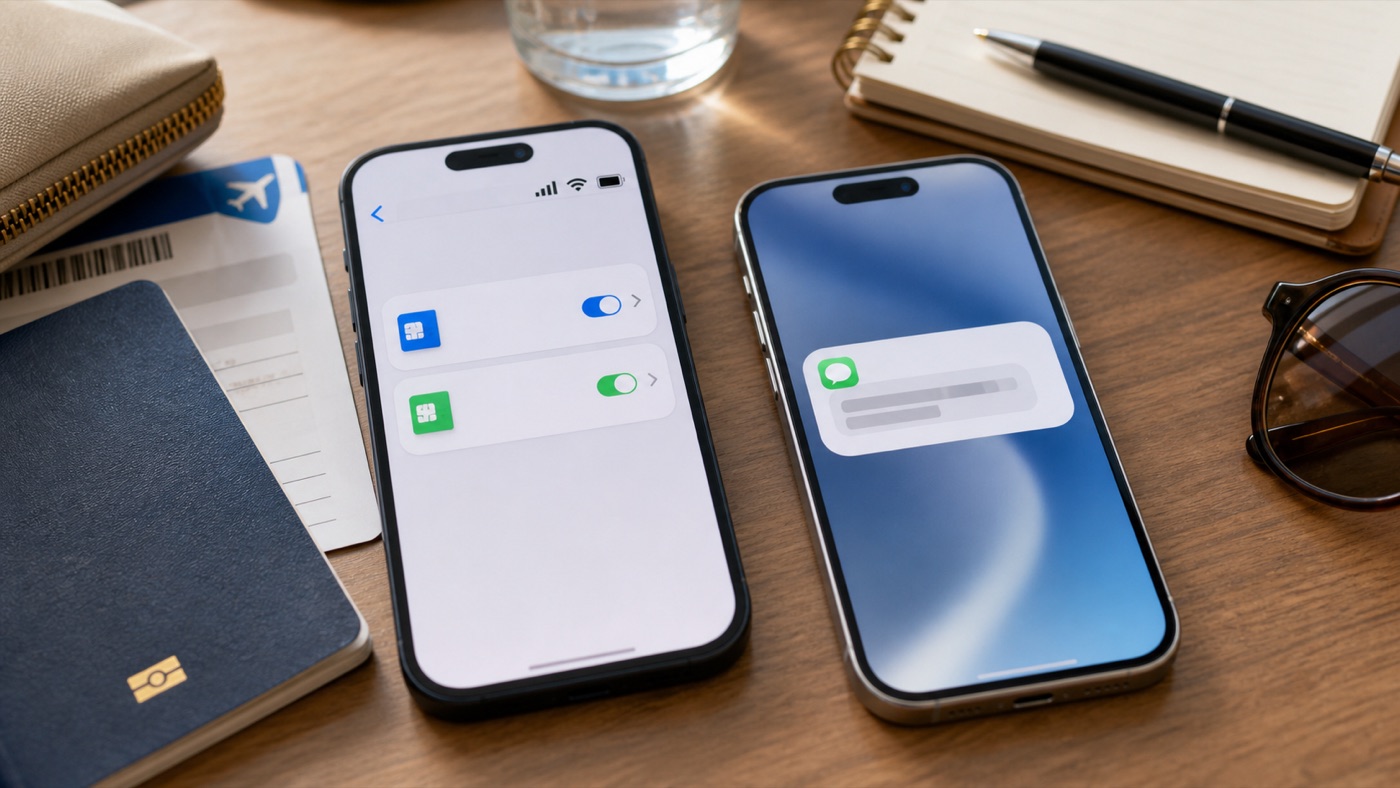
Keep the home SIM reachable for SMS and OTP, then use the China eSIM as the data line for maps, apps, and messages.
Data eSIM Versus SMS Number
Most travel eSIMs for China are built for internet access. Provider help pages commonly say their eSIMs are data-only, do not include a local phone number, and cannot receive traditional SMS verification codes. If a plan includes calls or SMS, the provider should say that clearly in the plan details.
This matters because OTP codes do not follow your data line. If your bank sends a code to your home number, the code goes to your home SIM or another SMS-capable line. The China eSIM can provide the data connection for the banking app, but it usually does not receive that bank’s SMS.
iMessage And Messaging Apps
On iPhone, Dual SIM can let one line handle voice/SMS while another handles cellular data. Before switching, check Settings for iMessage Send & Receive, FaceTime, the default voice line, and the cellular data line. If your home number is important for iMessage, do not change these settings casually after landing.
WhatsApp, LINE, KakaoTalk, and Zalo can usually continue over data when the account is already registered and you stay signed in. The risky moment is re-registration or account recovery, because the app may ask for an SMS or phone call to the original number.
When You Need A Chinese Number
A Chinese phone number is a different product decision. It may help with some local services, but a normal data-only travel eSIM will not give you that number. If you truly need a Chinese SMS-capable number, plan for a local SIM or a specific service that explicitly provides one, and expect identity checks such as passport-based real-name registration.
For most tourists, the cleaner setup is home SIM for voice/SMS, China eSIM for data, and backup recovery methods for important accounts. Test the whole setup before departure, not while standing in an airport queue with a payment app waiting for a code.
Step-by-Step Checklist
- 1Check whether the eSIM is data-only.Look for calls, SMS, phone number, and OTP language in the exact plan details.
- 2Keep your home SIM reachable.Leave voice/SMS on if you need bank codes, but disable home-SIM data roaming to avoid surprise charges.
- 3Set the China eSIM as cellular data.Confirm the data line before departure and again after landing.
- 4Test OTP and account recovery.Check banking, email, Apple ID, WhatsApp, LINE, KakaoTalk, Zalo, ride-hailing, and payment apps.
- 5Save backup methods.Add recovery email, authenticator app, backup codes, and trusted devices where available.
Common Mistakes
- Assuming an eSIM means a new phone number. Most travel eSIMs are data-only unless the plan clearly includes calls and SMS.
- Turning off the home SIM completely. If you need OTP texts, keep voice/SMS active and control only data roaming.
- Changing iMessage settings after landing without checking. Review Send & Receive and default line settings before switching lines.
- Trying to register messaging apps while abroad. Register and stay signed in before departure, because re-registration may need SMS.
FAQ
Can a China eSIM receive SMS verification codes?
Usually no. Most travel eSIMs are data-only and cannot receive normal SMS verification codes unless the plan explicitly includes SMS.
Can I keep my home number active while using China eSIM data?
Yes, on dual-SIM phones you can usually keep your home SIM active for voice/SMS and set the China eSIM as the data line. Check carrier roaming fees first.
Will iMessage still work with my normal phone number?
It can, but check iMessage Send & Receive and default line settings before travel. Apple supports separate voice and data lines, but settings and carrier status matter.
Do I need a Chinese phone number for DiDi, Alipay, WeChat, or hotel Wi-Fi?
Not always, but some services or edge cases may ask for a phone number. A data-only eSIM does not replace a local SMS-capable number.
Sources and Update Notes
- Nomad Help: Do Nomad eSIMs support text messages? Checked June 15, 2026 for data-only eSIM and SMS verification-code limitations.
- Nomad Help: Do Nomad eSIMs come with a phone number? Checked June 15, 2026 for provider language on phone numbers and WhatsApp registration limits.
- Holafly FAQ: Can you make calls with an eSIM? Checked June 15, 2026 for data-only, phone-number, calls, and SMS wording.
- Saily China eSIM plan page Checked June 15, 2026 for data-only China plan language and no-local-number wording.
- Apple Support: Using Dual SIM with an eSIM Checked June 15, 2026 for separate voice and data plans, iMessage/SMS/MMS, and one cellular data network at a time.
- WhatsApp Help: Registering your phone number Checked June 15, 2026 for SMS or phone-call registration code requirements.
- LINE Help: Changing your phone number Checked June 15, 2026 for text-message or call verification during phone-number changes.
- Shanghai Education FAQ: Chinese SIM activation Checked June 15, 2026 for real-name registration and passport handling when buying a Chinese SIM.