Connectivity
Do I need a VPN in China if I use a travel eSIM?
Most tourists can use a China travel eSIM for mobile data without a separate VPN, but hotel Wi-Fi, local SIMs, laptops, and backup devices change the answer.
Quick Answer
Usually you do not need a separate VPN while your phone is using a China travel eSIM that routes mobile data outside mainland China, but this is provider- and plan-specific. Check the plan notes before buying, especially if the provider says "built-in VPN" or app access is included. You should still prepare a VPN or other backup if you will use hotel Wi-Fi, cafe Wi-Fi, a local Chinese SIM, a laptop, or a tablet connected through another network. Google, Gmail, WhatsApp, Instagram, Facebook, LINE, KakaoTalk, and Zalo access can vary by connection path, city, device settings, and provider behavior.
Best Option by Scenario
| Scenario | Best option | Notes |
|---|---|---|
| Phone using travel eSIM mobile data | Start with the eSIM if the provider clearly says China app access or routed access is included. | Treat this as a plan-specific claim, not a guarantee for every blocked app. |
| Hotel, cafe, airport, or apartment Wi-Fi | Assume blocked foreign apps may still need a VPN or another backup path. | A travel eSIM's routing does not change how local Wi-Fi behaves. |
| Local Chinese SIM | Plan for local network restrictions and keep a separate access method for foreign apps. | A local SIM is useful for a Chinese number, but it is not the same as a routed travel eSIM. |
| Laptop or tablet | Do not assume your phone eSIM solves access on every device. | Hotspot support, VPN support, and app behavior depend on the plan and device setup. |
Detailed Guide
The practical answer depends on the network path your device is actually using. A travel eSIM can make foreign apps easier on your phone if the provider routes China traffic outside mainland filtering, but hotel Wi-Fi, airport Wi-Fi, local SIMs, and laptops are separate cases.
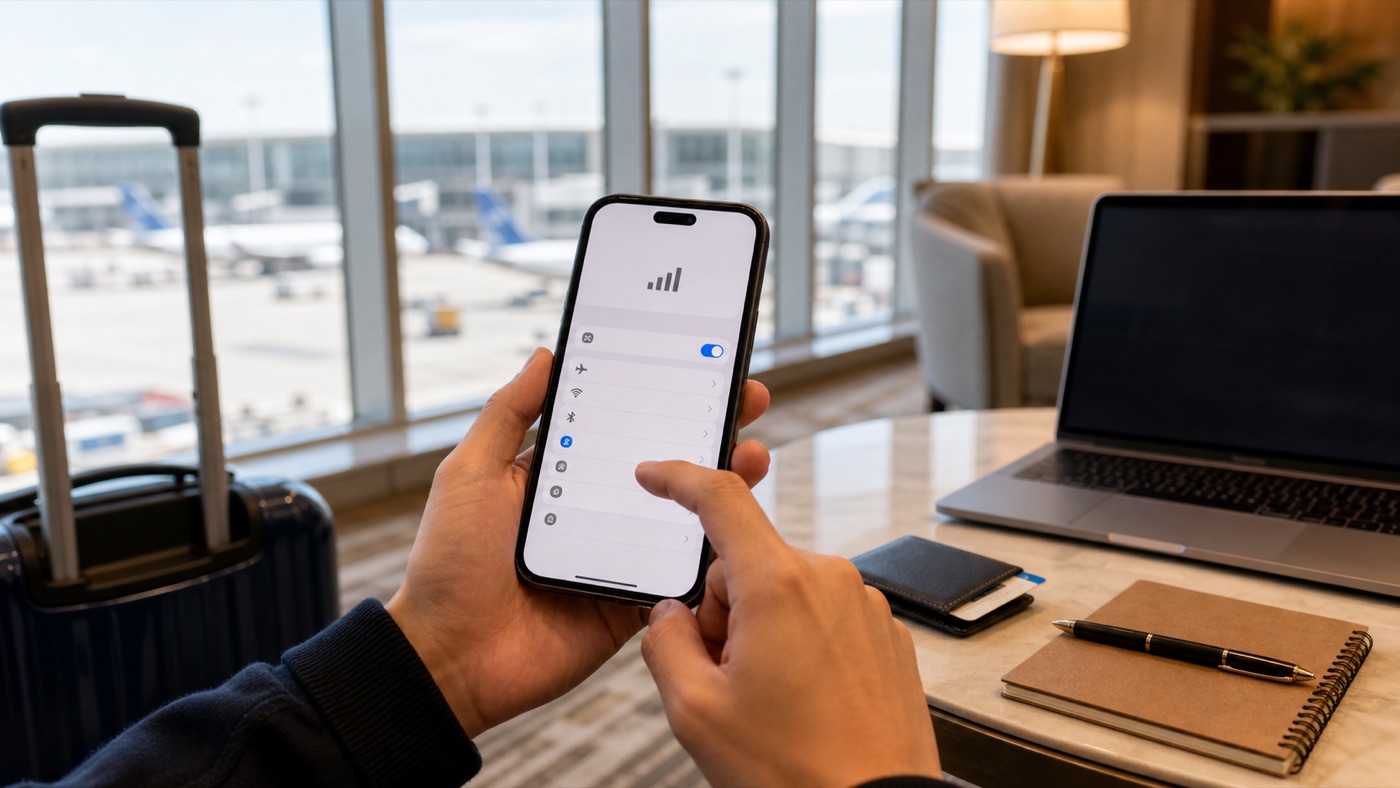
Use the provider’s current plan notes to decide what the eSIM covers, then keep a separate backup for Wi-Fi, local SIMs, and other devices.
Why The Answer Changes By Connection
Many travel eSIMs are sold as roaming-style data products. Depending on the provider and plan, your phone’s data may be routed through another region, which is why some providers say Google, WhatsApp, Facebook, Instagram, YouTube, or map services work without installing a separate VPN. That is a provider claim for that plan, not a rule for every China eSIM.
Local Wi-Fi is different. When you connect to hotel, cafe, apartment, or airport Wi-Fi in mainland China, your phone is no longer using the travel eSIM path for that traffic. If you need Google services, WhatsApp, Instagram, Facebook, or other foreign apps on Wi-Fi, prepare a working VPN or another backup before you leave home.
When A VPN Still Makes Sense
Bring a VPN or backup access plan if you will work from a laptop, use a tablet, upload large files over hotel Wi-Fi, or rely on a local Chinese SIM. Also keep one ready if your eSIM provider warns that its app, account setup, or support pages may be hard to reach after arrival.
Hotspot is another separate check. Some plans include tethering; others restrict it or make performance unpredictable. If your laptop needs foreign apps, verify hotspot support before buying, then test the phone, laptop, and VPN setup before departure.
What To Test Before Departure
Install your eSIM app, VPN app if needed, messaging apps, map apps, and account recovery methods before flying. Open the apps once, confirm you can sign in, and save offline copies of hotel addresses, booking references, emergency contacts, and payment backup notes.
For most tourists, the cleanest arrival setup is simple: use the travel eSIM for mobile data, avoid auto-joining local Wi-Fi on the first day, and keep a VPN or backup ready for hotel Wi-Fi and laptop use. That gives you a realistic plan without pretending any single product can guarantee every app everywhere in China.
Step-by-Step Checklist
- 1Read the provider's China notes before buying.Look for app-access wording, hotspot support, data-only limits, and any setup-before-arrival warning.
- 2Install and test essential apps before departure.Open Google, WhatsApp, Instagram, Facebook, LINE, KakaoTalk, or Zalo while recovery options still work.
- 3Prepare a Wi-Fi fallback.If you will use hotel Wi-Fi or a laptop, set up a reputable VPN or another approved backup before flying.
- 4Keep mobile data as the default on arrival.Avoid automatically joining local Wi-Fi until you know which apps work on each connection.
- 5Save offline trip details.Keep addresses, bookings, contacts, and payment backup notes outside apps that may not load.
Common Mistakes
- Assuming every China eSIM bypasses blocked apps. Only trust the current plan notes for the exact provider and plan you are buying.
- Thinking hotel Wi-Fi inherits the eSIM's routing. Treat Wi-Fi as a separate local connection and test it separately.
- Waiting until arrival to install a VPN. If you need a VPN for Wi-Fi or laptop use, install and sign in before departure.
- Using hotspot without checking the plan. Some eSIM plans allow hotspot and others restrict it, so verify before relying on a laptop.
FAQ
Does a China eSIM bypass the Great Firewall?
Some travel eSIMs route traffic outside mainland China or market built-in access for foreign apps, but this is provider- and plan-specific. Do not treat one provider's claim as a market-wide guarantee.
Will hotel Wi-Fi block Google, WhatsApp, Instagram, or Facebook?
It can. Hotel and cafe Wi-Fi are local connections, so blocked or disrupted foreign apps may still need a VPN or another backup even if your travel eSIM works on mobile data.
Do I need a VPN if my eSIM says built-in VPN?
Maybe not for that phone's mobile data, but read the fine print. You may still need a separate VPN for Wi-Fi, a laptop, a local SIM, or a provider outage.
Will LINE, KakaoTalk, or Zalo work in China with an eSIM?
They may work over a travel eSIM that supports routed foreign-app access, but account recovery, calls, and media can still depend on the app, phone number, and connection path.
Sources and Update Notes
- Holafly China mobile internet guide Checked June 15, 2026 as a provider claim about China eSIM app access; not treated as a universal market guarantee.
- Nomad: Do eSIMs work in China? Checked June 15, 2026 for provider wording about travel eSIM access to Google, WhatsApp, and social platforms.
- Nomad: Do you need a VPN for travel to China? Checked June 15, 2026 for the distinction between travel eSIM mobile data and local Wi-Fi.
- Saily China eSIM plan page Checked June 15, 2026 for setup-before-travel warnings, hotspot notes, and data-only China plan language.
- TechRadar VPN coverage, June 2026 Used only as media trend context that VPN reliability changes; provider and platform claims decide practical setup advice.
- Reddit and native-language travel discussions Used only as demand signals for traveler wording around eSIM data versus hotel Wi-Fi, not as proof that any provider works.